Ultra HD Video Playback Experience
Watching 1080P videos? At least 4K, 8K videos are also no problem.
This video demonstrates watching YouTube 4K videos on multiple lines, with maximum speeds up to 200000kbps.
Quick Start Guide
Get started with RedstarV in five steps
Download and Install
Choose the version for your device from the download page and install RedstarV
Launch App
Open RedstarV app, first-time use is free trial, no registration required
Select Node
Choose a suitable server node from the list, VIP lines recommended for best experience
One-Click Connect
Click the "Connect" button and wait for successful connection to start using
Enjoy Global Access
After successful connection, freely access global network with high-speed stable experience
Platform Demos
View client demonstrations on different platforms
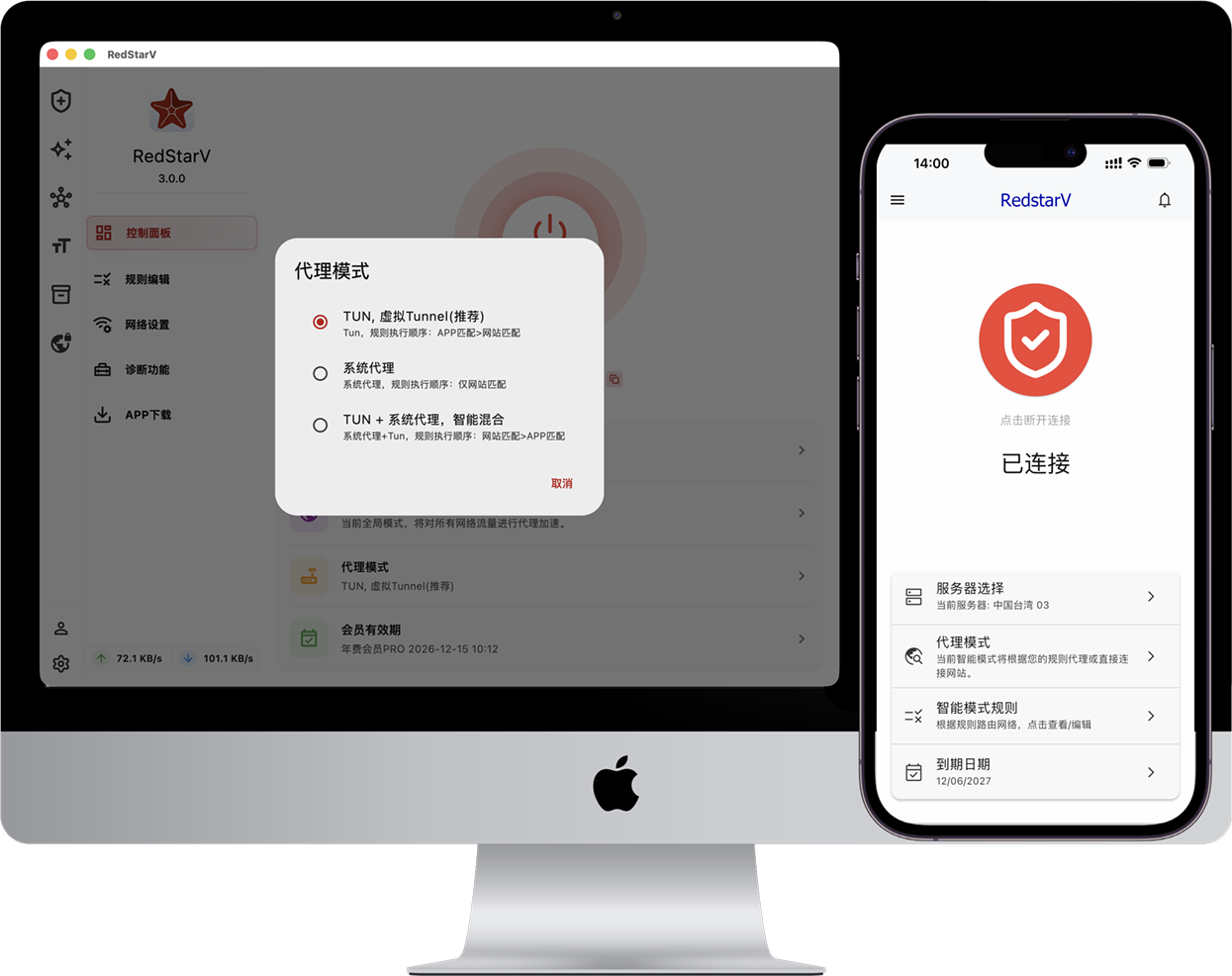
macOS Client Demo
macOS
Full feature demonstration of macOS version, including TUN mode and smart routing.
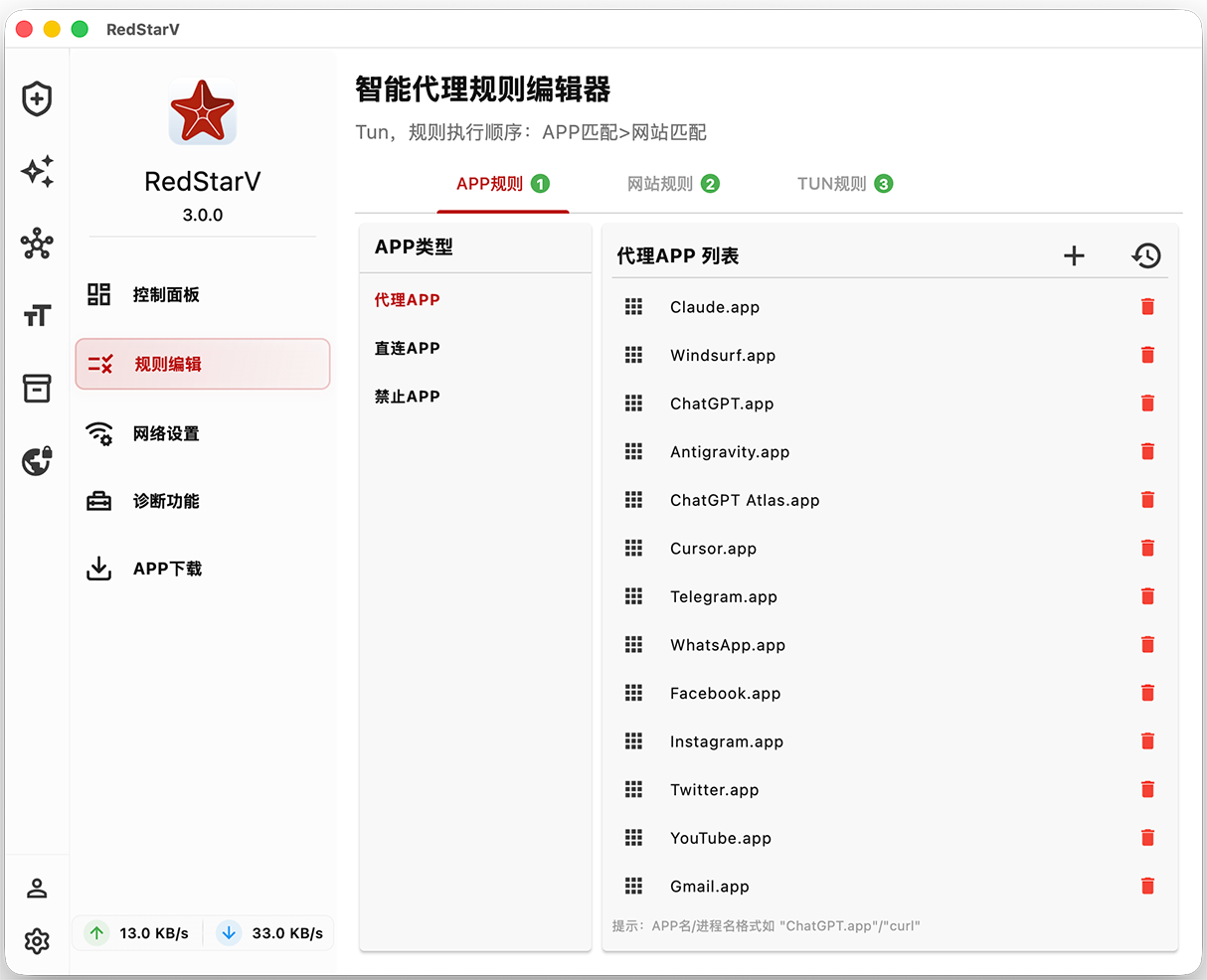
Windows Client Demo
Windows
Windows version showcase with clean interface and one-click connection.
Documentation
Detailed guides and tutorials
Usage Tips
Master these tips for better use of RedstarV
Smart Proxy vs Global Proxy
Smart proxy only proxies specified apps or websites, others connect directly; Global proxy routes all traffic
TUN Mode vs Proxy Mode
Switch between TUN and system proxy mode as needed
Proxy Sharing
Enable proxy sharing to allow other devices on LAN to use acceleration service
Ready to Get Started?
Download now to experience RedstarV, free trial, no registration required
Free Download